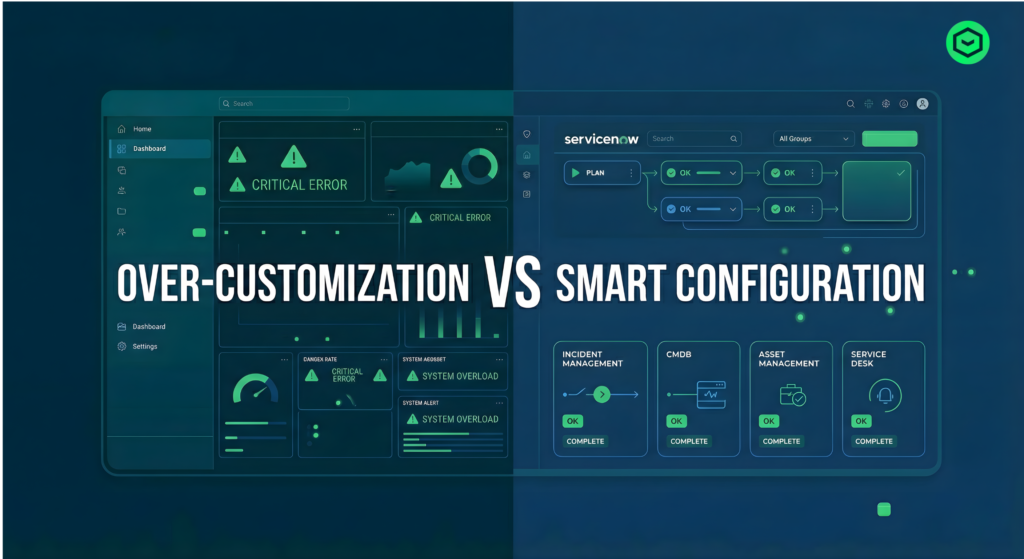
Stop Over-Customizing ServiceNow! 10 Signs You Must Know
Introduction
ServiceNow is designed to be a configuration-first platform, meaning most business requirements can be handled using out-of-the-box (OOB) features with minimal customization.
However, in many real-world projects, teams tend to add excessive scripts and custom logic to meet immediate needs. While this may solve short-term problems, it often creates long-term challenges like performance issues, upgrade risks, and high maintenance effort.
In this article, we will explore the 10 key signs that indicate your ServiceNow instance is over-customized and what you can do about it
1.Too Many Client Scripts and UI Policies
When multiple client scripts and UI policies are applied on the same form, it can lead to:
- Slow form loading
- Conflicting behaviors
- Difficult debugging
Best Practice:
Keep scripts minimal, prefer UI Policies, and move logic to server-side where possible.
2.Excessive Business Rules
Having too many Business Rules on a table can:
- Slow down transactions
- Create execution conflicts
- Make debugging difficult
Best Practice:
Follow the “one purpose per rule” approach and use Flow Designer when possible.
3.Unnecessary Custom Tables
Creating new tables instead of extending existing ones leads to:
- Data fragmentation
- Complex reporting
- Duplicate functionality
Best Practice:
Extend standard tables like Task to reuse built-in features.
4.ModifyingOut-of-the-Box Functionality
Directly editing OOB components can cause:
- Upgrade conflicts
- Loss of standard behavior
- System instability
Best Practice:
Avoid modifying OOB records. Use extension or duplication methods instead.
5.Hardcoded Logic in Workflows or Flows
Using hardcoded values like user IDs or emails makes the system:
- Inflexible
- Difficult to update
- Error-prone
Best Practice:
Always use dynamic values and reusable configurations.
6.Duplicate Logic Across the System
When the same logic is written in multiple places:
- Maintenance becomes difficult
- Changes are inconsistent
Best Practice:
Centralize logic using Script Includes or reusable components.
7.Poor Naming Conventions
Names like “Test” or “Script1” create confusion and reduce readability.
Best Practice:
Use meaningful and descriptive names for all components.
8.Unstructured Script Includes
Large, unorganized Script Includes result in:
- Difficult debugging
- Poor reusability
Best Practice:
Follow modular design and keep functions clean and reusable.
9.Lack of Documentation
Without documentation:
- Knowledge stays with individuals
- Troubleshooting becomes difficult
Best Practice:
Add comments, maintain technical documents, and clearly describe changes.
10.Frequent Upgrade Issues
If upgrades are always risky or time-consuming, it is a clear sign of over-customization.
Best Practice:
Minimize customizations and regularly review existing implementations.
Conclusion
Over-customization may help in the short term, but it creates technical debt in the long run.
 The golden rule is:
“Configure first, customize only when necessary.”
By following this approach, you can ensure:
- Better performance
- Easier maintenance
- Smooth upgrades
Thank you for taking the time to read our content! We appreciate your interest in Sotiotech and look forward to helping you achieve your IT service management goals with our ServiceNow solutions. If you have any questions or need assistance, feel free to reach out to us through our page www.sotiotech.com and our pages. Stay connected with us on LinkedIn for the latest update.